Frequently asked questions
Can't find your answer? Reach us below.
Is my data private?
Yes. Grofittine does not collect any personal data. Everything you create — routines, to-dos, notes, records — is stored only on your device. There are no ads, no analytics, no tracking, and nothing is sent to any server. See our Privacy Policy.
Is it free? What is Pro?
Grofittine is free to use. A single one-time Pro purchase (no subscription) removes limits and unlocks Home Screen widgets and the Apple Watch app.
Does it work on Apple Watch?
Yes. You can check off routines and to-dos from your wrist, and add watch-face complications showing your streaks, remaining to-dos, and next reminder. Routines sync directly between iPhone and Apple Watch via Apple's device-to-device connection — no server involved.
How do reminders work?
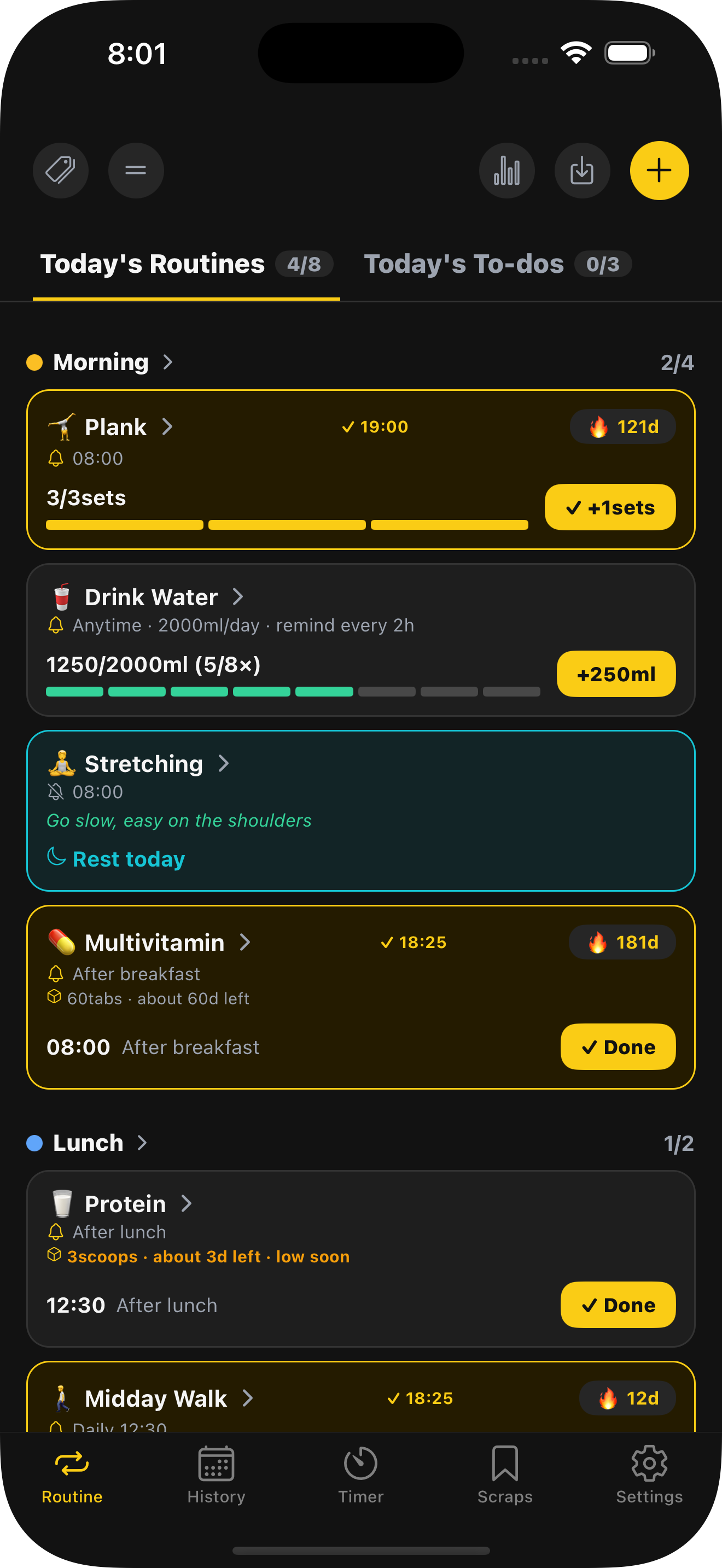
You can set a reminder time on routines and on individual to-dos, including on future dates. Reminders are delivered as local notifications on your device (and mirror to your Apple Watch when worn).
How do backups work?
You can set up automatic backup to an iCloud Drive folder, and export/import your data manually at any time. Your data always stays under your control on your device and your own iCloud.
Which languages are supported?
English, 한국어 (Korean), 日本語 (Japanese), Deutsch (German), Français (French), and Español (Spanish). The app follows your device language.